Sharing access and tracking links
Create individual or multi-object operator links, restrict them by password, time and history access, test them and revoke them safely.

Use a tracking link when another person needs to see selected objects but must not receive your account password. A link visitor is not an account user and has only the functions allowed by that link.
Choose the right link
The current settings provide two related approaches:
- an individual link for one device;
- an operator link that can contain several selected devices.
Use an individual link for a customer, driver or temporary observer who needs one object. Use an operator link when the same recipient needs a controlled multi-object view.
Create an individual tracking link
Open Settings, find the device and choose Add link. Add a comment that helps you recognise the purpose without exposing personal information.
Where available, set:
- a password for the tracking page;
- start and end dates and times;
- whether historical tracks are hidden;
- only the additional options that you actually need.
An empty time limit can make the link open-ended. Prefer the shortest useful period, and use a separate password that is not your account password.
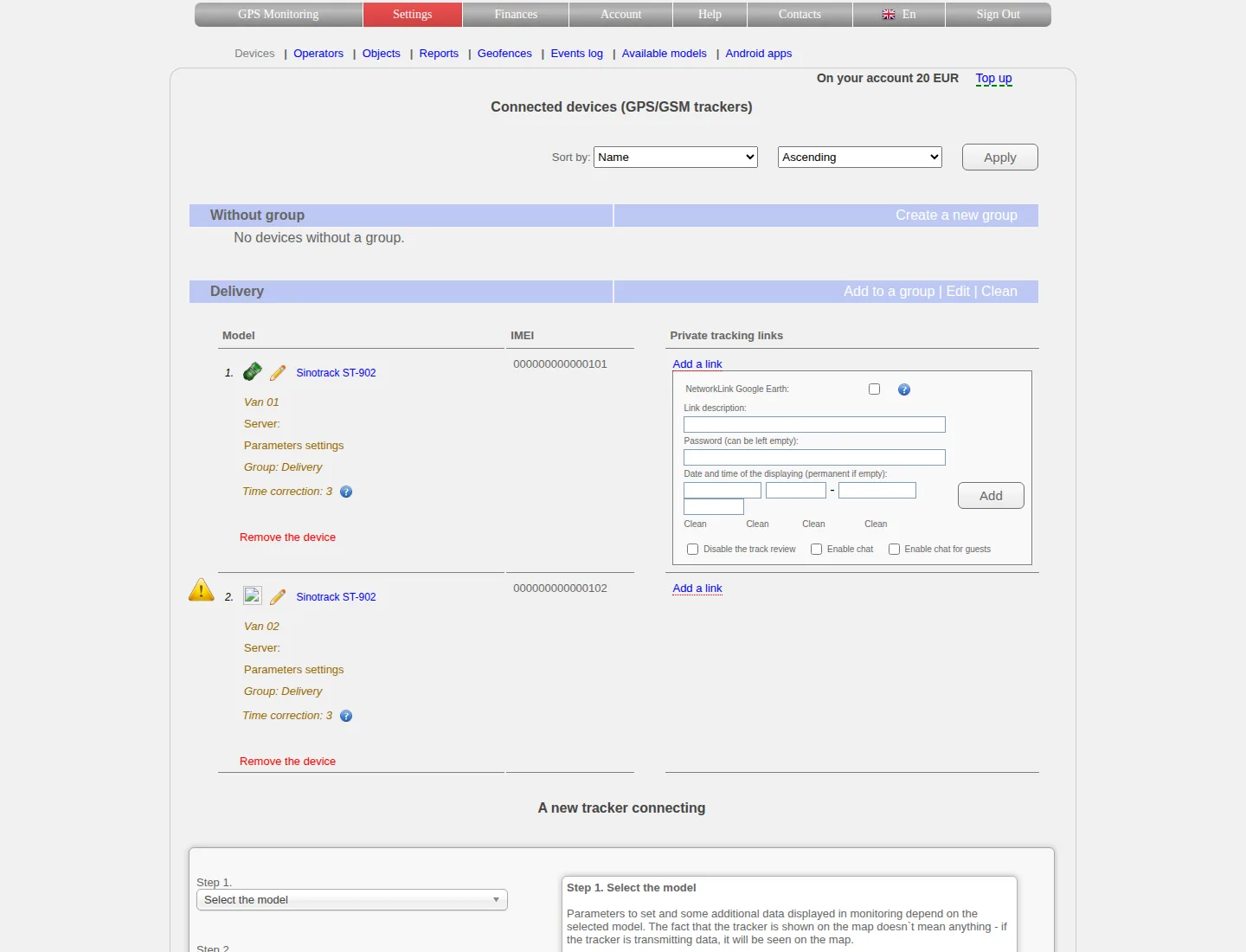
Set a recognisable comment, a separate password and the shortest useful period. The track restriction controls history for the link visitor, not the account owner.
Create an operator link
Open the operator-link section, create or edit the link and select the devices that the recipient should see. Check every object before saving; group membership alone does not grant it.
If you later add a device to an existing operator link, test the result again. Adding an object to an account group and adding it to an operator link are separate actions.
Send the link safely
Send the exact link and its password through appropriate channels. Do not place an unrestricted link in a public article, shared screenshot or group chat with unknown members.
The URL contains a secret code. Anyone who obtains an unprotected active link can potentially use it within its configured limits.
Test without your account session
Open a private browser window where you are not signed in. Verify:
- only the intended objects appear;
- the password is required when configured;
- the link works only during the intended period;
- history is available or hidden as intended;
- account settings and billing are not exposed.
Testing while signed in can hide permission mistakes because your account has wider rights.
Edit or revoke access
Use the edit action beside the link to change its comment, password, time range or history setting. To revoke it, use the delete action for that exact link and confirm it no longer opens in a private window.
Do not assume that renaming a device, removing it from a group or changing your account password revokes every existing tracking link. Review and remove the link itself.
If the recipient cannot open it
- copy the URL without spaces or punctuation added by a messenger;
- check its start/end date, time and password;
- verify that the device is still included and active;
- test from a private window and another current browser;
- create a new link only after deciding whether the old one must be revoked.
When contacting us, provide the object name and a masked link code. Do not send the account password or publish the complete active URL.
Related articles
GPS Operator User Guide: Contents
Connect a tracker, use the live map and trip history, create reports, configure notifications and manage your GPS Operator account.
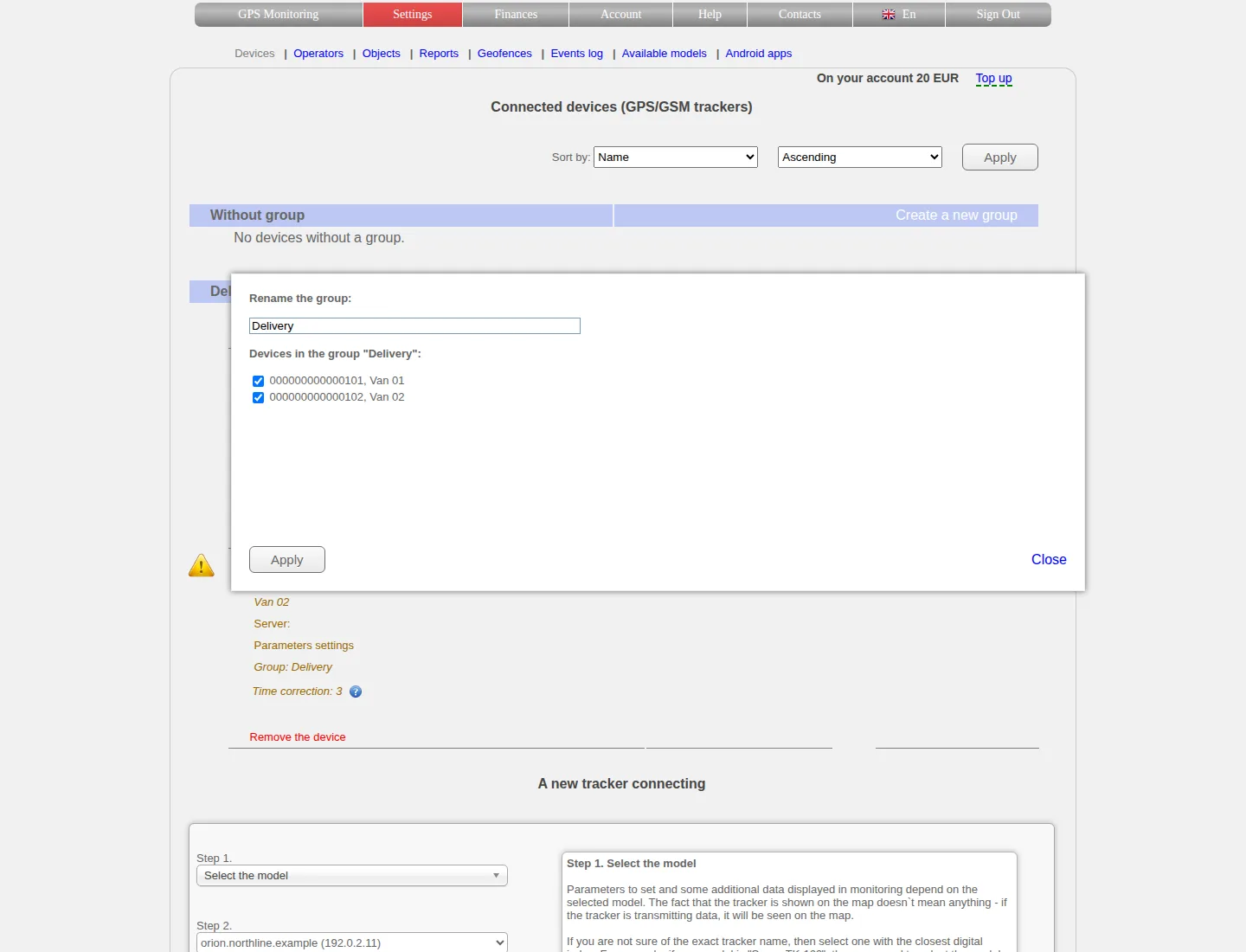
Device groups and sorting
Create and rename groups, move devices between them, understand list order and keep grouping separate from access permissions.
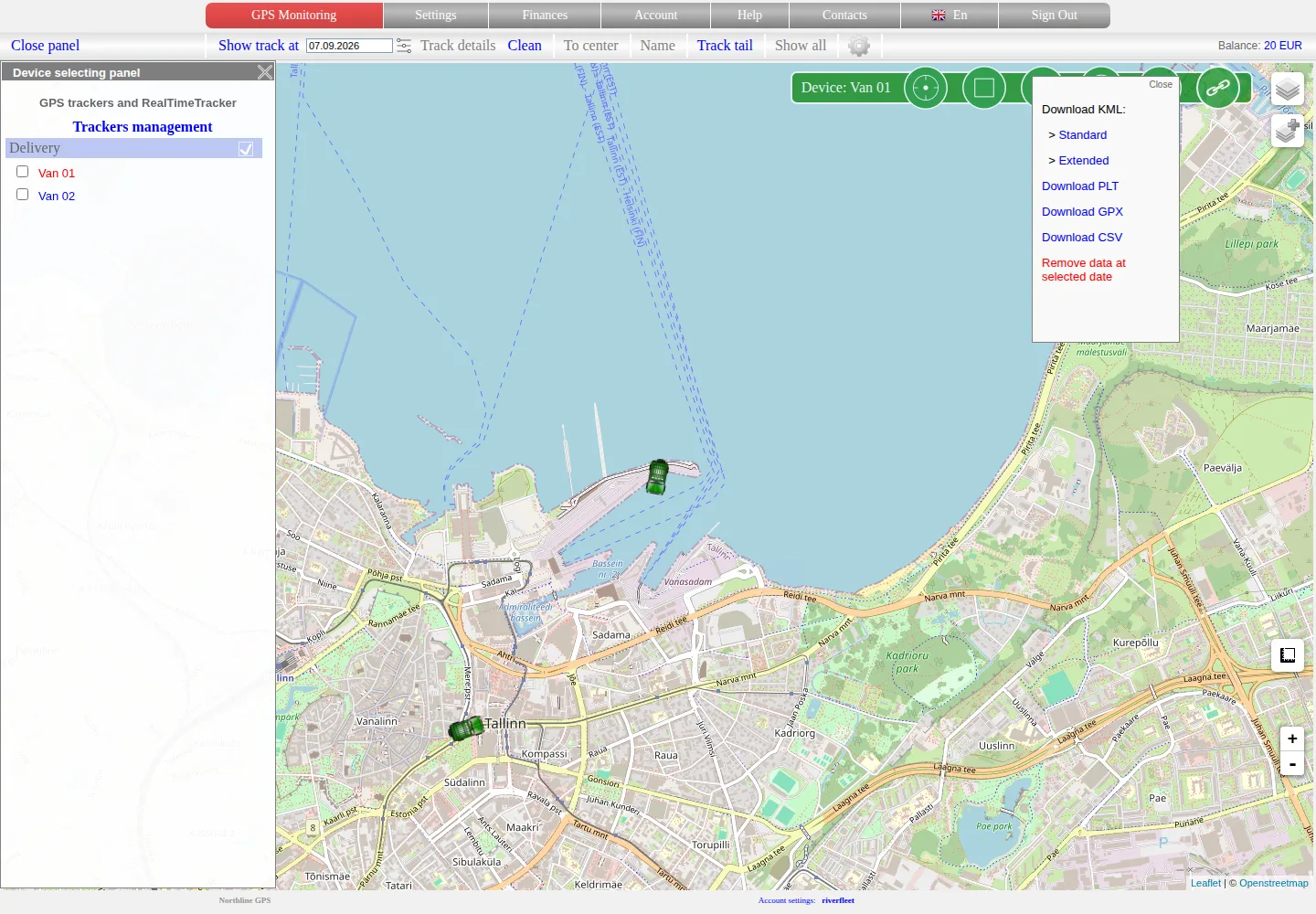
Analysing, exporting and deleting history
Replay a stored trip, compare speed and available sensor values, choose an export format and treat history deletion as a separate destructive action.
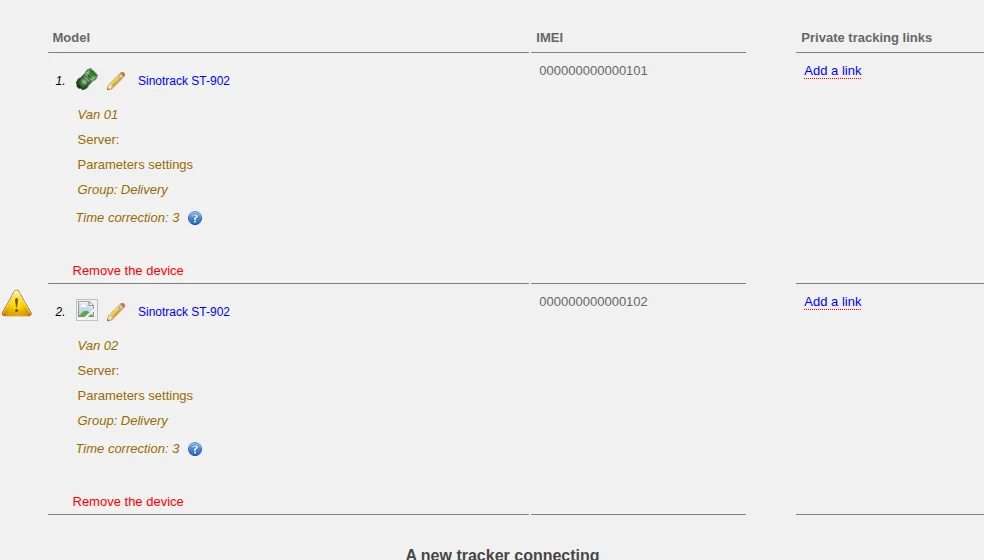
Device settings and management
Rename devices, choose icons and correct displayed time, understand service restrictions and distinguish disabling from deleting a tracker.
Comments
Sign in to comment.
No comments yet.